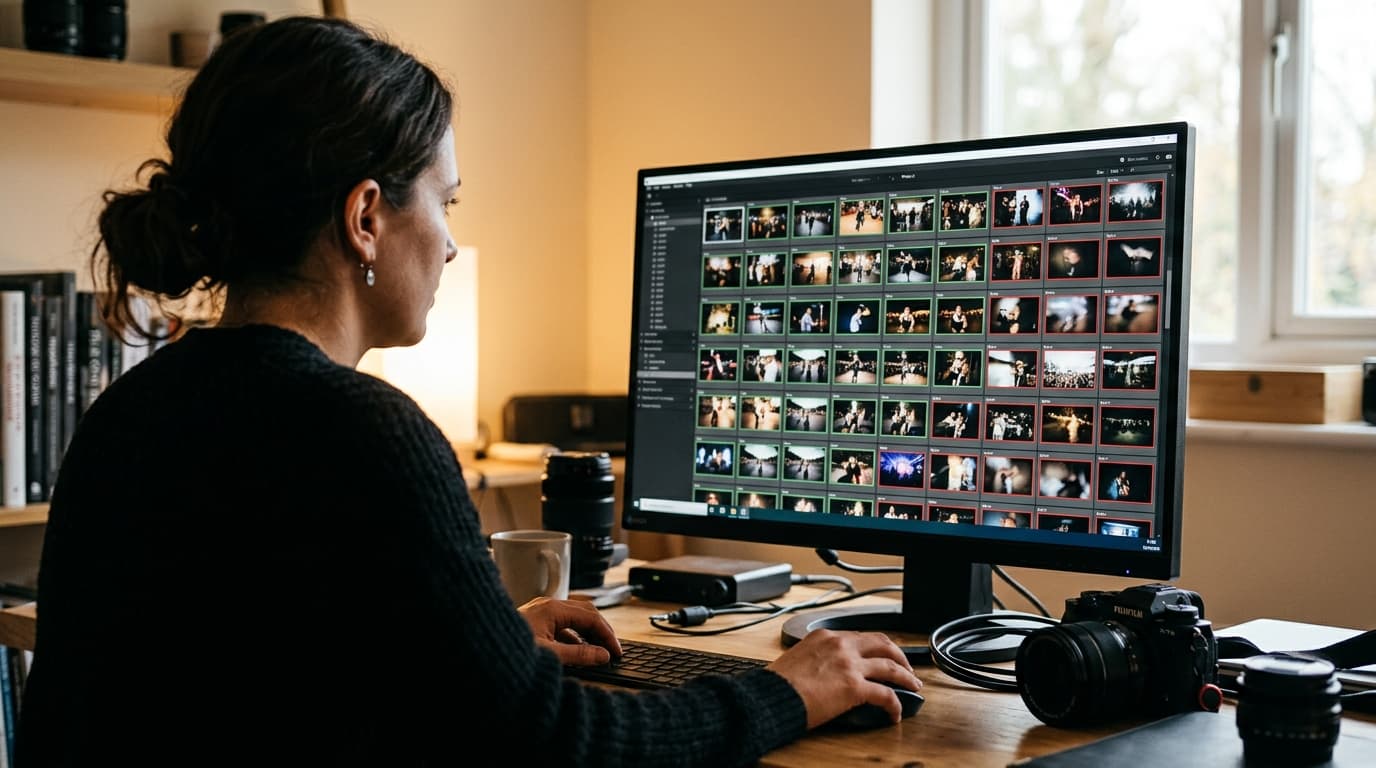
AI photo culling high volume works when the tool groups bursts, sends only uncertain frames to you for review, and doesn't charge per photo. At 5,000 frames, choose a flat-priced, offline-capable culler that shrinks your first pass into a small review pile, then hand the keepers to a fast delivery step.
TL;DR
- At 5,000 frames the bottleneck is how many decisions you still make by hand, so judge tools by the size of the review pile they leave you, not by feature lists.
- Flat pricing, burst and duplicate grouping, and offline operation matter more at sports, festival and conference volume than they do at 500 frames.
- Cull for coverage when attendees will search for themselves, because the goal shifts from a tight best-of gallery to making sure everyone has a usable photo.
What changes with AI photo culling high volume at 5,000 frames?
Three things change: pricing models start to hurt, burst clusters dominate your file count, and consistency across a long, shifting shoot becomes the real test. A tool that feels great on a 500-frame portrait session can stall, overcharge or drift when you hand it a full day of racing, stage lighting changes or a multi-room conference.
Sports is the clearest example. Aftershoot's own guide to AI culling in sports photography describes shooters processing 3,000 to 5,000+ frames per game to deliver a gallery of roughly 60 to 80 photos on a tight deadline. That ratio of input to output is the whole problem: you're rejecting more than 98 percent of what you shot.
Festivals, races and conferences add a second twist. You usually aren't picking a handful of heroes, you're trying to make sure thousands of people each have at least one good frame of themselves. That changes what “good culling” means, and we'll get to it below.
Why does manual culling break down at 5,000 frames?
Manual culling breaks down because the cost is linear while your deadline isn't. Using a rough working assumption of three seconds per frame (an estimate, not a study), 5,000 photos is about four hours of pure first-pass sorting, before a second look at anything. Do that after a 12-hour event day and your decision quality in the last hour is not what it was in the first.
Fatigue is the quiet cost. Frame 4,000 gets less attention than frame 40, so near-identical bursts get kept inconsistently and sharp frames of a decisive moment slip past. Fast browsers help, and our Photo Mechanic vs Lightroom culling speed test shows how much faster a dedicated browser makes the manual pass. But a faster pass is still the same number of decisions.
AI changes the arithmetic by removing most of those decisions rather than speeding each one up. The question is which tool removes them reliably, which brings us to what to test.
Which features matter most for high-volume AI culling?
Five features separate tools that survive volume from tools that merely demo well: unmetered pricing, burst and duplicate grouping, a confidence-based review pile, offline operation, and stable behavior across a long shoot. Everything else is secondary at this scale.
Flat pricing, not per-photo metering
Per-photo or per-shoot billing punishes exactly the photographers who need help most. Cull AI Studio's 2026 roundup of AI culling software for high-volume photographers (written by a vendor, which they disclose) points out that Imagen's editing model is $0.05 per photo, so a 5,000-frame event is a different bill than a 500-frame one. Their roundup lists AfterShoot's culling-only Select plan at $120 per year with no per-image fees, and Narrative Select with unlimited culling on all tiers. Check current pricing on each vendor's page before you decide.
Burst and near-duplicate grouping
At sports and festival volume, most of your files are bursts of the same moment. A good tool groups them, picks the strongest frame (sharpest, eyes open, best expression), and lets you override that pick in one keystroke. If grouping is weak, you're back to scrolling through twelve versions of the same stride.
A review pile you can actually finish
The best high-volume tools don't ask you to audit everything. They mark each frame keep, reject or review with some confidence signal, so your attention goes where the model is unsure. Cull AI Studio's own demo, a staged 5,483-frame shoot, left about 290 frames in the review pile, roughly 5 percent. That is a vendor illustration, not an independent benchmark, but it's the right metric to measure on your own files: how many frames land in front of you?
Offline and on-location operation
Festival grounds, stadium press rooms and hotel conference wings rarely have reliable upload bandwidth. Local, offline-capable culling means you can start sorting on a laptop during the last session instead of waiting for cloud processing to finish. Cloud tools have a real upside, since they free up your workstation, but you should know your fallback when the venue Wi-Fi fails.
Consistency at frame 4,000
Event lighting changes. A conference moves from a bright foyer to a dark ballroom, a festival goes from daylight to LED stage washes, a marathon runs from dawn to noon. Test whether the tool's rejection logic still behaves in the third lighting condition, not just the first.
How should you cull differently for sports, festivals and conferences?
The right culling strategy depends on what the audience does with the photos. Sports shoots often need a tight deliverable for a team or publication, while festivals, races and conferences need broad coverage so individual attendees can find themselves.
Sports: cull for the decisive moment
Here the AI is mainly a burst manager. Let it reject blur, missed focus and blinks, then spend your human attention on the peak-action frames: the catch, the finish, the celebration. This is where judgment still beats any model, so budget your review time there. If you deliver to runners or team parents rather than a publication, our guide on how to share race photos so runners find themselves fast covers the delivery side.
Festivals and races: cull for coverage
When thousands of people will search for their own photos, a ruthless best-of cull works against you. Reject technical failures and true duplicates, but keep a decent frame of a person even if a better one exists elsewhere in the set. The attendee doesn't care that your hero shot is on the same card, they care about the frame where they're laughing with friends. Our breakdown of the festival photo delivery reach gap explains why coverage, not curation, drives how far your work travels.
Conferences: cull for people and sponsors
Conference galleries serve two audiences: attendees who want to find themselves and organizers who want speakers, sponsor booths and branded moments. Tag or keep those organizer priorities as a protected category before the AI pass so they are never auto-rejected as near-duplicates. If you're planning the day itself, the conference photography shot list for solo photographers helps you capture the right mix up front.
What does a fast high-volume culling workflow look like?
A reliable high-volume workflow has four stages: ingest and back up, automated grouping and first-pass rejection, a human review of the uncertain pile, and a handoff to delivery. Keeping those stages separate stops you from fixing in one step what should have been decided in another.
- Ingest and back up. Copy cards to two locations and rename or tag by session or time block so you can find a moment later.
- Run the AI pass. Let the tool group bursts and mark technical rejects. Don't touch anything manually yet.
- Review the uncertain pile first. Work through frames flagged for review, then spot-check a random sample of auto-rejects to confirm the tool isn't throwing away usable shots.
- Apply light, consistent edits. Sync a base adjustment across each lighting block rather than editing frame by frame.
- Export and deliver. Push the keepers straight to a gallery so attendees can find their own photos.
For a deeper look at how each stage fits together, see our event photography workflow guide. The reason step five matters is that a fast cull is wasted if delivery then sits for days. When your keepers are ready, exporting from Lightroom Classic into a face-search gallery such as FindMe lets guests find and share their own photos in seconds, which is where the reach you built with fast culling actually pays off.
How do the main AI culling tools compare at volume?
No single tool wins every volume scenario, so match the tool to the shape of your work. These are the common patterns, drawn from vendor-published pricing and plan details that you should confirm on each site.
- AfterShoot: flat, unlimited culling with strong duplicate and burst grouping, and the strongest fit if you also want to automate editing in the same ecosystem.
- Narrative Select: local, offline culling that keeps you in every decision, with multi-user plans for studios that cull in parallel.
- FilterPixel: cloud processing that keeps your workstation free, with per-shoot add-ons for its deeper scoring that can add up if you shoot weekly.
- Photo Mechanic: the manual-speed benchmark for news and sports, but it browses rather than decides, so the number of decisions stays the same.
For head-to-head detail, read our AfterShoot vs Narrative vs Imagen culling comparison or the narrower Narrative Select vs AfterShoot breakdown. Those posts lean toward wedding volume, so apply the criteria above when your frame counts are higher.
How do you test an AI culler before a big event?
Test on your own files: pull a 500-frame sample from your last busy event and run it through the tool with a stopwatch. Measure three numbers: how many frames land in the review pile, how many usable frames the AI rejected (check a random 50), and how long the whole pass took.
Then repeat with a sample from a different lighting condition, such as indoor stage versus outdoor daylight. If the review pile balloons or good frames vanish in the second sample, you've learned something a free trial on a sunny portrait session would never reveal. Most vendors offer trials or free tiers, so there is no reason to find this out mid-season.
Finally, scale the numbers up. If a 500-frame sample leaves you 40 frames to review, a 5,000-frame event leaves you roughly 400, which is a realistic 30 to 45 minutes of focused work. If the pile is closer to 40 percent of the shoot, the tool isn't saving you what the marketing implies. If your sport or event involves tagging participants, our guide to photo delivery software for sports photographers shows what to pair with your culler.
Where does AI culling still fall short?
AI culling is strongest on technical quality and weakest on meaning. It can tell a sharp frame from a soft one, but it can't reliably know that the slightly imperfect frame is the one where the winner's coach is crying in the background. Keep your own eye on emotional peaks, and treat the AI's top pick in a burst as a suggestion.
It also can't know your client's priorities. A sponsor logo, a VIP, a specific team jersey number: none of that exists in a model's sense of a good photo unless you build it into a review step. A short checklist of must-have moments before you start culling prevents the most painful misses.
If your culling is finally fast but your photos still sit unseen, the next bottleneck is getting them to the people in them. FindMe Photo lets you export straight from Lightroom Classic, upload once, and give every attendee a face-search gallery to find and share their own photos in seconds, so the hours you save culling turn into reach. For a wider look at options, our guide to event photo delivery to attendees is a good place to start.
Frequently asked questions
How long does it take to cull 5,000 photos with AI?
The AI pass itself usually finishes in minutes to an hour depending on your hardware and whether processing is local or cloud. Your time goes into the review pile. If the tool sends only 5 to 10 percent of frames to you for a decision, a 5,000-frame event can drop from half a day of manual sorting to well under an hour of focused review.
Is AI culling accurate enough for sports and festival photography?
It is accurate for technical rejects like missed focus, closed eyes and near-duplicate bursts, and less reliable for judging the decisive moment, such as a finish-line lunge or a crowd surge. Treat the AI as a first-pass filter and keep a human check on the frames it marks as uncertain.
What is the best AI culling software for high-volume photographers?
It depends on your workflow. AfterShoot suits photographers who want culling and editing in one ecosystem, Narrative Select offers multi-seat plans for studios, and Photo Mechanic remains the fastest manual browser for news and sports. Prioritize flat pricing, burst grouping, offline capability and a test on your own files before committing.
Should I cull differently when attendees will search for their own photos?
Yes. When guests, runners or attendees find their own pictures through face search, you are curating for coverage rather than a tight best-of gallery. Keep more usable frames per person, reject only technical failures and true duplicates, and avoid deleting a decent shot just because a better one exists.
Browse by topic
The new photo gallery for pro event photographers.
Expand your reach: 10× more guests open your galleries.
Why the whole room opens it
One link per event. No signup, no login, no app for your guests. Designed for mobile and access on the go.

Their face is their password. A selfie finds their photos in under 2 seconds. Selfie Search comes in every plan, including Free+.
They share it, or buy from your store. Your prices, your brand, your customers. Set up your store for digital and/or print copies connected to your Stripe.
Open your Free+ account today — every Growth feature free for 30 days — and onboard the fastest, coolest way to share your galleries.