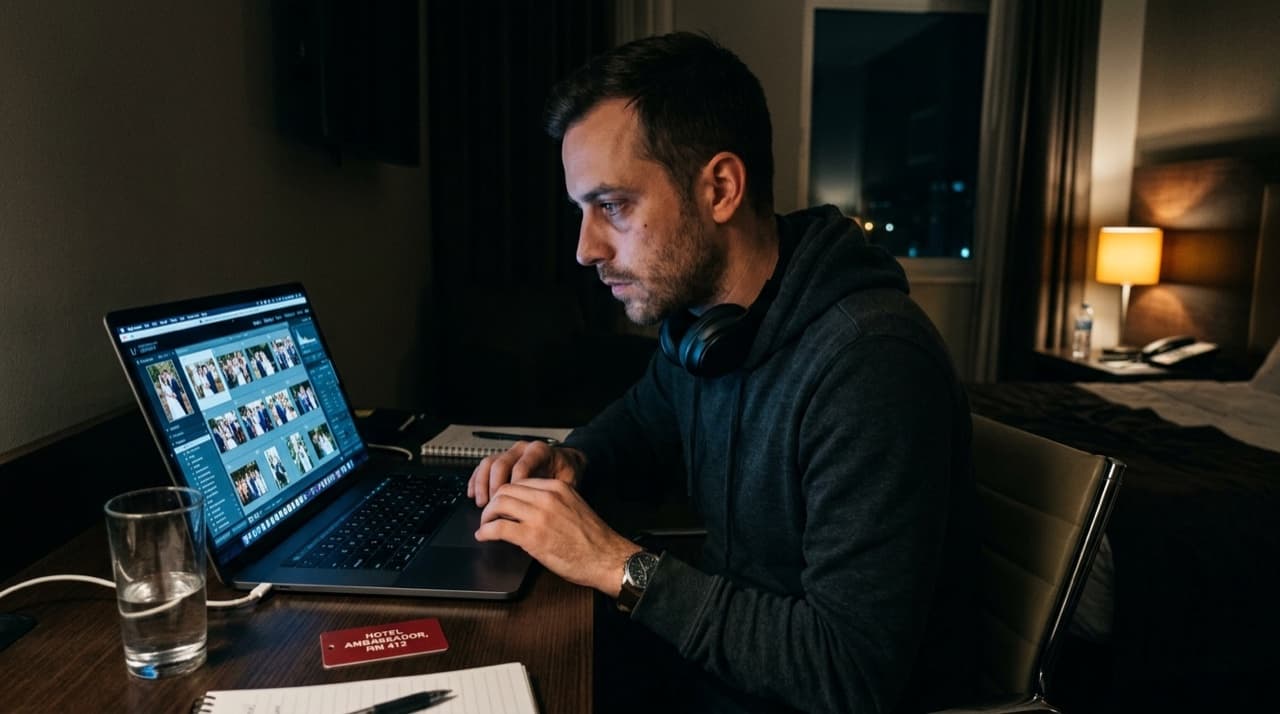
The 4-to-8-week wedding delivery timeline is an industry norm that exists almost entirely because photographers have accepted it. Not because clients want it. Not because the editing actually takes that long. Because at some point it became standard, and standards are sticky.
A small but growing group of photographers has stopped accepting it. They're delivering edited wedding galleries within 24–48 hours. Their clients write about it in every review. Their referral rates are higher than their peers. And they're not working longer hours to do it — they're working differently.
The actual time breakdown of photo delivery
If you've ever tracked your time on a wedding, the breakdown is usually revealing. The editing itself — culling plus color correction plus export — typically takes 4 to 8 hours for a standard wedding coverage. The rest of the timeline is procrastination, batching, and the friction of starting.
Four weeks for 6 hours of work isn't a capacity problem. It's a workflow problem.
The photographers delivering in 24 hours haven't solved some exotic efficiency puzzle. They've mostly just eliminated the gaps: the three days before they import files, the week before they cull, the two weeks sitting in "mostly done." They do the work within a defined window immediately after the event.
The night-of upload
The highest-leverage change in the workflow is uploading coverage the same night as the event — before editing, before culling, before sleep if possible.
This doesn't mean delivering a finished gallery. It means getting the unedited or lightly-culled set into a guest-accessible system while the emotional context of the event is still live. Guests are most engaged with wedding photos in the 12–24 hours after the event. After 72 hours, the social moment has largely passed.
With a tool that supports selfie-based photo search, you can upload your raw coverage, share a QR code with the couple, and have guests finding photos of themselves during the after-party or the next morning over breakfast. You haven't spent a minute editing. The guests don't care — they want to find themselves, not critique the color grade.
The edited gallery comes separately, as a second delivery to the client. Two deliveries, different purposes, different timelines.
Culling strategy that actually works
Most photographers cull too carefully on the first pass. They're looking for the best shot of each moment, which requires holding the entire event in working memory while also making individual frame decisions. It's slow and mentally exhausting.
A faster approach uses two passes:
Pass one is rejection-only. Go through every frame and mark only the obvious rejects — eyes closed, motion blur, technical failures, duplicates that are clearly worse than adjacent frames. Don't select keepers. Just remove rejects. This takes 20–30 minutes for a 2,000-frame shoot and can be done at almost any energy level.
Pass two is selection from survivors. With the obvious failures removed, you're now choosing the best from a much smaller, higher-quality pool. This is faster and produces better curation because you're not making decisions while surrounded by noise.
Combined, this typically cuts a 2,000-frame shoot to 400–600 selects in under 90 minutes — and produces better curation than a single exhausting pass trying to do both simultaneously.
Preset discipline
Fast editing requires preset discipline before the event, not during it. If you're developing your base look during post-processing, you're not editing — you're designing, which is slow.
Your core preset should handle 80% of shots with minimal individual adjustment. That means it's calibrated to your typical shooting conditions: your primary venue type, your usual ambient light relationship, your natural color temperature preferences. A preset that works for 80% of shots lets you spend your per-image time on the exceptional 20%, not on managing the ordinary majority.
Lightroom's AI masking has made selective adjustments dramatically faster — subject separation that took 10 minutes in 2019 takes 30 seconds now. If you're not using it for skin tone corrections and background adjustments, you're leaving significant speed on the table.
Export and delivery automation
Export presets eliminate a category of decisions that shouldn't require decisions. Set them once: full-res for client delivery, web-optimized for the guest access system, whatever format your print lab requires. Name them descriptively. Never configure an export from scratch.
For the client gallery, export directly to your delivery folder and use a platform with drag-and-drop upload. For the guest selfie-search gallery, export a separate web-optimized batch and upload to your guest delivery tool.
Total time from culled selects to delivered gallery: 30–45 minutes including export and upload, once your presets are tuned.
The client conversation that changes everything
"Your guests can start finding their photos during the reception" is a different pitch than "you'll have your gallery in six weeks." Both might be accurate descriptions of your delivery. Only one of them becomes a story a client tells their recently-engaged friends.
Speed of delivery is one of the most shared pieces of client feedback in wedding photography. Not the most important one — artistic quality matters more — but disproportionately memorable. A couple who got their gallery the next morning will mention it unprompted for years.
A starting point
You don't need to overhaul your entire workflow at once. The single highest-leverage change: commit to uploading unedited coverage to a guest-accessible system the same night as your next event. That's it. No new presets required, no new culling strategy. Just get the photos moving before you sleep.
FindMe Photo is free for your first 30 days. Upload takes about 3 minutes once the photos are on your laptop.
Browse by topic
The new photo gallery for pro event photographers.
Expand your reach: 10× more guests open your galleries.
Why the whole room opens it
One link per event. No signup, no login, no app for your guests. Designed for mobile and access on the go.

Their face is their password. A selfie finds their photos in under 2 seconds. Selfie Search comes in every plan, including Free+.
They share it, or buy from your store. Your prices, your brand, your customers. Set up your store for digital and/or print copies connected to your Stripe.
Open your Free+ account today — every Growth feature free for 30 days — and onboard the fastest, coolest way to share your galleries.