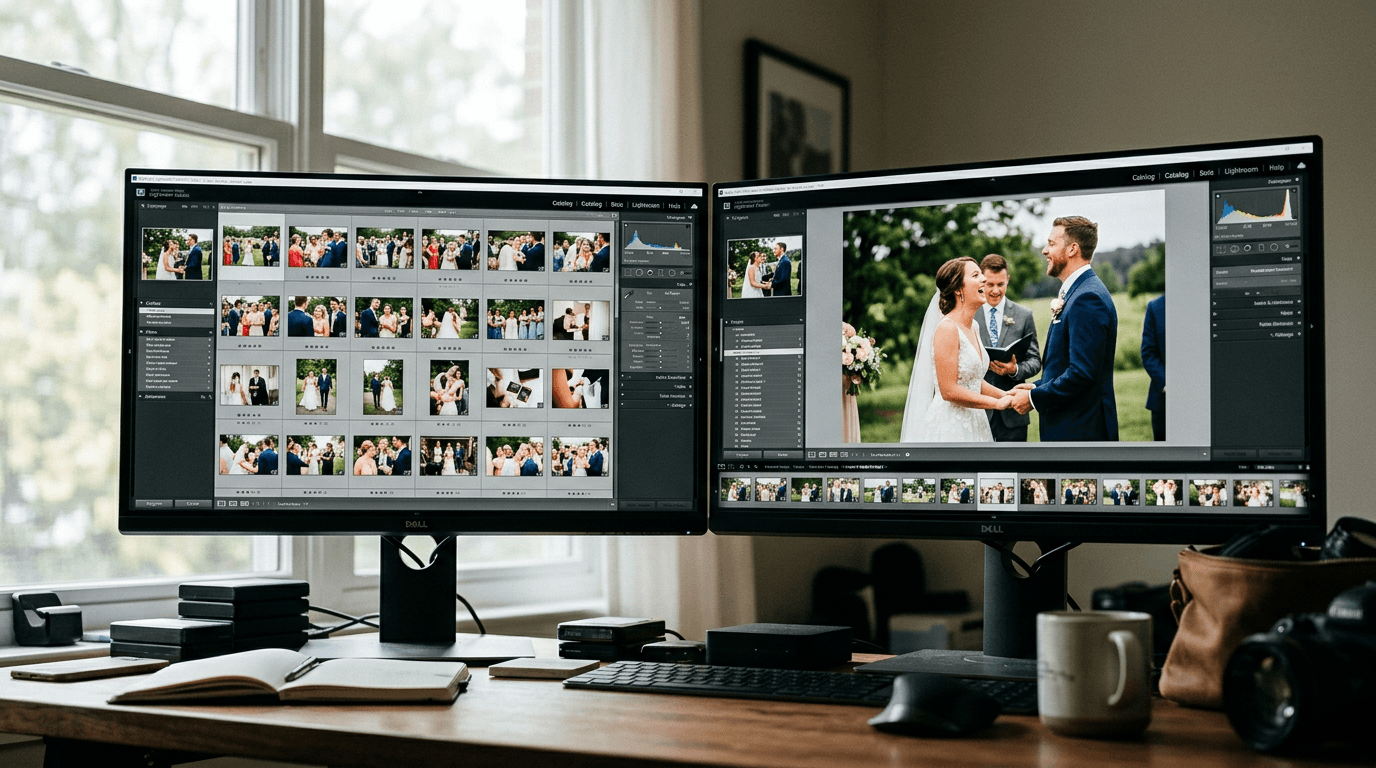
If you're weighing up the Aftershoot vs Narrative vs ImagenAI ai culling comparison for 2026, here's the short answer: Aftershoot wins on full automation and flat-rate pricing, Narrative wins on RAW preview speed and creative control, and Imagen wins on integrated culling-plus-editing for cloud-friendly workflows. The right pick depends almost entirely on whether you want the AI to decide for you, help you decide faster, or do everything from cull to exported edit in one shot.
TL;DR
- Aftershoot is the best choice for high-volume photographers who want fully automated, offline culling at a predictable flat monthly rate.
- Narrative Select is the fastest RAW browsing experience available and keeps you in creative control — ideal for photographers who don't want the AI making final calls.
- Imagen (ImagenAI) is the most complete end-to-end platform, combining personalized culling and AI editing in one cloud workflow, but it requires internet and a flexible budget.
Aftershoot vs Narrative vs ImagenAI AI Culling Comparison 2026: What's Actually Different
The AI culling market has matured fast. Just a few years ago, most photographers were still grinding through 4,000-image wedding shoots manually. Now, according to research published by Imagen, over 62% of professional photographers have integrated AI tools into their post-production workflow — and that number keeps climbing. The tools themselves have grown too, moving from basic blur-and-blink detection into full workflow ecosystems that blend culling, editing, and even retouching.
But more features don't automatically mean a better fit for your business. These three tools — Aftershoot, Narrative Select, and Imagen — represent three genuinely different philosophies about how AI should work in a photographer's post-production process. Understanding those philosophies is the fastest way to pick the right one.
Aftershoot: Best for Full Automation and Offline Workflows
Aftershoot's core promise is simple: drop your images in, walk away, and come back to a finished cull. It runs entirely on your local machine — no cloud upload required — and its AI makes the actual selections for you, separating your shoot into Highlights, Duplicates, Blurry, and Closed Eyes folders. You're reviewing a finished result rather than working through raw decisions one by one.
For high-volume wedding photographers, this distinction matters enormously. If you're shooting two or three weddings a month, each generating 3,000–5,000 frames, the hours you save by not manually reviewing every image add up to days of reclaimed time. The AI has been trained on millions of real images from professional photographers, which means its baseline judgment on technical quality — focus, exposure, eye status — is genuinely reliable. You'll still want to do a quick pass through the rejected folders to rescue any emotionally important shots the algorithm flagged, but the heavy lifting is done before you sit down.
The trade-off is hardware dependency. Because all processing happens locally, Aftershoot performs best on modern machines — ideally with at least 16GB of RAM and a dedicated GPU. On older hardware, the analysis can be slow and resource-intensive. Its AI also uses a generic model rather than one trained on your personal aesthetic, so it won't know that you prefer slightly more room in the frame or that you tend to keep shots with intentional motion blur.
Pricing is one of Aftershoot's strongest cards. The culling-only plan runs approximately $120 per year, and because it's flat-rate, you can process as many images as you want without per-photo costs. Recent updates have also added AI editing and retouching features, making it an increasingly complete post-production tool. For a deeper look at how AI is reshaping the editing side of the workflow, see our breakdown of AI photo editing in 2026.
Narrative Select: Best for Speed and Creative Control
Narrative Select operates from a different premise. Rather than making selections for you, it gives you better information faster so that your own decisions are quicker and more confident. The AI surfaces focus scores, face assessments, and scene groupings — but the final pick is always yours.
The feature that sets Narrative apart from every competitor is its RAW preview rendering. There is genuinely no delay. You press the arrow key and the next full-resolution RAW file is already on screen — no buffering, no embedded JPEG thumbnail proxy. Independent reviewers consistently confirm this is the fastest RAW browsing experience currently available, with Narrative processing and ranking 1,000 RAW files in roughly 10 seconds on modern Apple Silicon hardware. For photographers who do a lot of their culling as a fast first pass — especially wedding shooters who need to pull a sneak peek gallery the night after the event — this speed is a real competitive advantage.
Three interface features make Narrative particularly well-suited to wedding and portrait work. The Close-ups Panel automatically displays a zoomed view of every face in a shot simultaneously, so you can check whether Aunt Maria blinked in the family group photo without manually zooming and panning across the frame. Scenes View groups your images chronologically by context — ceremony, portraits, reception — so you're culling in story order rather than image-by-image without context. And Survey Mode places near-identical frames side by side for direct comparison, eliminating the mental overhead of toggling back and forth through memory.
Narrative's recent updates have also pushed it into editing territory with Personal AI Presets, which can be trained on your own past edits and applied at export so your selections arrive in Lightroom already pre-edited in your style. This narrows the gap with Imagen's integrated workflow considerably, though Narrative still lacks the depth of Imagen's cloud-based editing engine.
Pricing runs from a free basic tier up to $60/month for the Ultra plan (which covers up to four users with unlimited culling and editing). The Standard plan at $20/month is where most solo photographers land. Because everything processes locally, Narrative is also a strong choice for photographers working at rural venues, on planes, or in any situation where cloud uploading isn't practical. This is one reason building a reliable event photography workflow often starts with locking in your culling tool before anything else.
Imagen (ImagenAI): Best for an Integrated Cloud Workflow
Imagen's differentiator is its end-to-end approach. It's not just a culling tool — it's a post-production platform that moves you from thousands of RAW files to a culled, edited, and client-ready gallery within a single system. You upload your shoot to the cloud, and Imagen's AI does the rest: grouping duplicates, flagging technical flaws, assigning star ratings, and then applying your Personal AI Profile edits — all before you've opened Lightroom.
The Personal AI Profile is Imagen's most compelling feature. Unlike the generic models used by Aftershoot or the assistive system used by Narrative, Imagen's culling AI learns from your actual past behavior. Train it on your historical Lightroom catalogs and it starts to understand which expressions you tend to keep, which compositions you favor, and which lighting situations you typically cull out. Over time, its selections feel less like AI output and more like decisions you'd have made yourself — which is why photographers who use Imagen often describe it as the tool that most accurately replicates their creative voice.
Accuracy figures back this up. Imagen reports a 99.2% accuracy rate for detecting technical flaws like closed eyes and out-of-focus subjects, even in complex group shots. That's the highest benchmark in the current market. Cloud-based processing also means your computer's hardware is completely irrelevant — it doesn't matter if you're on a five-year-old MacBook or a brand new PC. The server does the work.
The obvious trade-off is internet dependency. If you're culling in a location with poor connectivity, Imagen isn't usable. And pricing can feel less predictable for occasional users: the pay-as-you-go model charges $0.01 per photo for culling (with a minimum monthly fee), while subscription plans start around $49/month for bundled culling and editing. For photographers who process large volumes consistently, the subscription model makes good sense. For those with irregular shooting schedules, the per-photo cost can feel less controlled than a flat annual fee.
If you're already thinking about how your culling workflow connects to delivery speed, it's worth reading our guide on the 48-hour wedding photo delivery window — because the time you save in post directly determines how fast you can get galleries into clients' hands.
Side-by-Side: Key Differences at a Glance
Here's how the three tools stack up on the criteria that matter most to working wedding photographers:
- Processing location: Aftershoot — local only. Narrative — local only. Imagen — cloud-based.
- Level of automation: Aftershoot — fully automated (AI decides). Narrative — AI-assisted (you decide, faster). Imagen — fully automated with learned preferences.
- Personalized AI model: Aftershoot — no (generic model). Narrative — yes, via trained Personal AI Presets. Imagen — yes, via Personal AI Profiles trained on your catalog.
- Integrated editing: Aftershoot — yes (separate AI editing module). Narrative — yes (AI Presets applied at export). Imagen — yes (deepest integration, cloud-to-Lightroom).
- Pricing model: Aftershoot — flat annual subscription (~$120/year for culling). Narrative — tiered subscription ($0–$60/month). Imagen — pay-as-you-go or subscription from ~$49/month.
- Best for: Aftershoot — high-volume, offline-first photographers. Narrative — speed-focused, control-oriented photographers on Mac. Imagen — studio workflows that want the highest accuracy and a true end-to-end system.
Which AI Culling Tool Should You Actually Choose?
If you're shooting two or more weddings a week and your biggest bottleneck is the sheer volume of images waiting to be processed, Aftershoot is almost certainly your answer. The flat-rate pricing makes it financially predictable, the offline processing keeps your RAW files off third-party servers, and the automated workflow means you're reviewing a finished cull rather than building one from scratch. Just make sure your machine can handle it — the AI is hungry for RAM and processing power.
If you're a Mac-based photographer who wants to stay in creative control — who cares that the final gallery truly reflects your eye, not an algorithm's best guess — Narrative Select is the strongest option. Its RAW preview speed alone makes culling feel like a fundamentally different task, and the Close-ups Panel for group shots is genuinely one of the most useful features in any photography software right now. The assistive rather than automated approach does mean more active time in the tool, but many photographers consider that a feature, not a bug.
If you're running a studio that prioritizes turnaround speed, wants the highest possible culling accuracy, and is comfortable with a cloud-based system, Imagen is the most complete platform available. The Personal AI Profile gets better the more you use it, and the integrated culling-to-editing pipeline eliminates the import/export friction that slows down every other workflow. It's the tool most likely to feel like it's actually learning your taste over time.
It's also worth noting that these tools don't have to be exclusive choices. Many photographers use Narrative for a fast first pass to eliminate obvious rejects, then send selects to Imagen for editing. Others use Aftershoot for culling and a separate editor for style work. The goal is always the same: get from full memory card to client-ready gallery as fast as possible without sacrificing the quality that keeps clients booking you again. For a broader look at the software options shaping post-production right now, our guide to Lightroom alternatives for wedding photographers covers where these tools fit into the bigger picture.
The Step After Culling: Getting Photos to Every Guest
Cutting your culling time in half is worth celebrating — but the time you reclaim is only as valuable as what you do with it. Faster delivery doesn't just mean sending the couple their gallery sooner. It means every guest who attended the wedding gets to find their own photos quickly, share them on social media, and become a walking referral for your business.
That's exactly the problem FindMe Photo was built to solve. Once your cull is done and your edits are applied, you can upload your gallery to findme.photo and let guests find their own photos instantly using AI face search — share the event via a QR code or custom link and no app download is required. Every guest who searches for themselves, downloads their photos, and shares them online is extending your reach to their entire network. It's the most efficient word-of-mouth engine available to a wedding photographer, and it starts the moment your gallery goes live.
Frequently asked questions
Is Aftershoot or Narrative Select better for wedding photographers?
It depends on how much control you want. Aftershoot is fully automated — it makes selections for you, which is ideal if you shoot high volumes and want to minimize review time. Narrative Select is AI-assisted, meaning it surfaces information (focus scores, face assessments, scene grouping) but keeps you in the driver's seat. Most wedding photographers find Aftershoot faster for bulk culling, while Narrative suits those who want their final gallery to reflect their own creative eye.
How much time does AI culling actually save for a wedding photographer?
Most working photographers report saving between two and six hours per wedding when switching from manual culling to an AI tool. A shoot with 3,000–5,000 images that used to take an entire evening can often be reduced to under 30 minutes of active review time, depending on the tool and how much you override the AI's suggestions.
Does ImagenAI do culling as well as editing?
Yes. Imagen (ImagenAI) is one of the few platforms that combines both culling and AI-powered editing in a single cloud-based workflow. Its culling uses Personal AI Profiles trained on your past selections, so it gets more accurate over time. The main trade-off is that it requires an internet connection and uses a pay-as-you-go or subscription pricing model, which can be less predictable than a flat-rate tool like Aftershoot.
Can I use Narrative Select on Windows?
Yes — Narrative Select is available on both Mac and Windows as of 2026. However, its performance is most impressive on Apple Silicon Macs (M1/M2/M3 chips), where its instant RAW preview rendering is genuinely unmatched. Windows users still benefit from the tool, but the speed gap between Narrative and competitors is less dramatic on PC hardware.
Do AI culling tools delete my original RAW files?
No. None of the major AI culling tools — Aftershoot, Narrative Select, or Imagen — permanently delete your original files. They apply metadata like flags, star ratings, or color labels, and may move rejected images to a separate folder. You always have the final say before anything is removed from your drive.
Browse by topic
The new photo gallery for pro event photographers.
Expand your reach: 10× more guests open your galleries.
Why the whole room opens it
One link per event. No signup, no login, no app for your guests. Designed for mobile and access on the go.

Their face is their password. A selfie finds their photos in under 2 seconds. Selfie Search comes in every plan, including Free+.
They share it, or buy from your store. Your prices, your brand, your customers. Set up your store for digital and/or print copies connected to your Stripe.
Open your Free+ account today — every Growth feature free for 30 days — and onboard the fastest, coolest way to share your galleries.