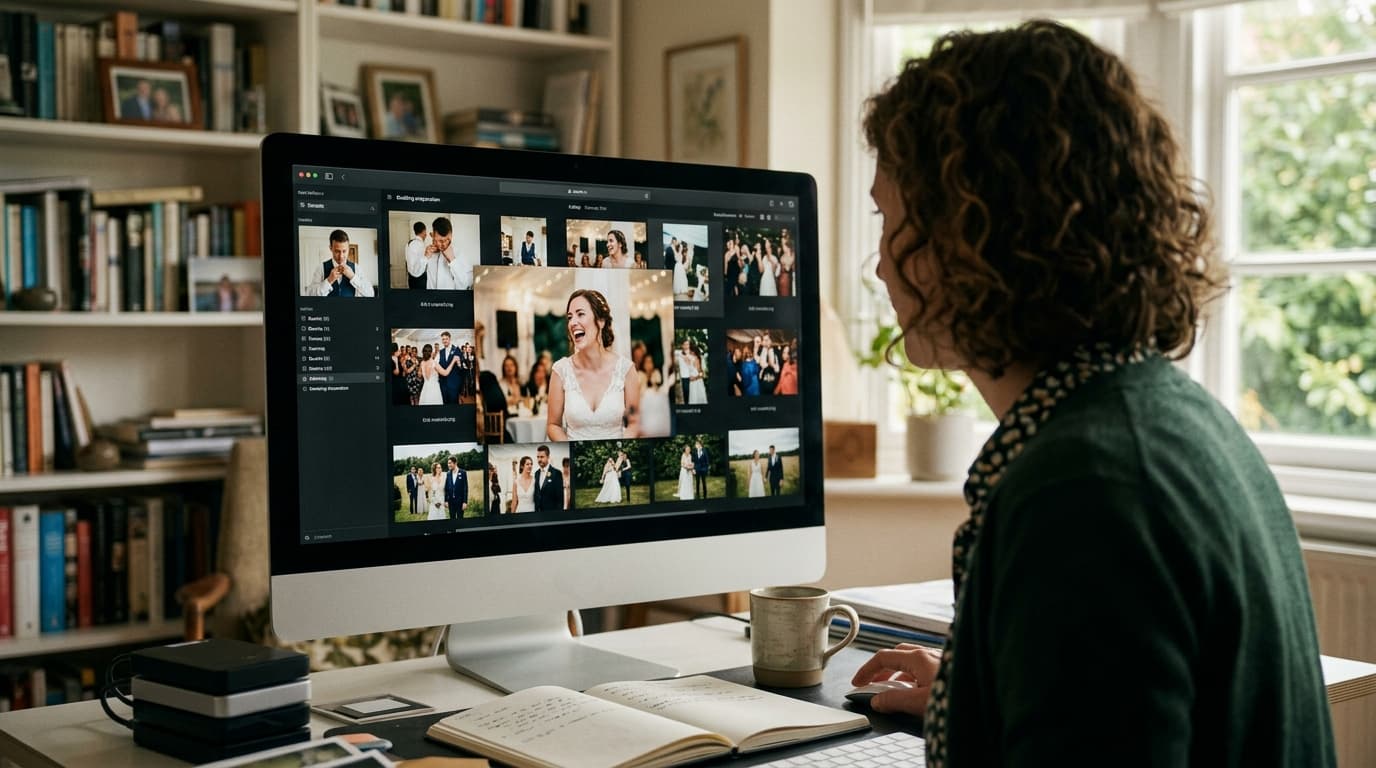
The AI photo editing stack for wedding photographers in 2026 consists of three core layers: an AI culling tool that cuts your selects in minutes, an AI editing platform that applies your personal style at scale, and an automated delivery system that gets galleries into clients' hands fast. Build all three and you can cut post-production time by more than half — without touching your creative standards.
TL;DR
- AI culling tools like Aftershoot, Narrative Select, and ON1 Lightpanel can reduce a 4-hour cull to under 15 minutes on a full wedding card.
- AI editing platforms such as Imagen AI learn your personal style from your back-catalog, so edits reflect your creative choices rather than a generic preset.
- Pairing your editing stack with smart delivery tools — including AI face search for guests — turns a finished gallery into a referral engine.
The AI Photo Editing Stack for Wedding Photographers, Explained Layer by Layer
Most photographers hear 'AI editing stack' and picture one magic app that does everything. The reality is more useful than that: it's a chain of specialized tools, each handling a distinct bottleneck. When the layers fit together cleanly, your post-production workflow shrinks from two full days to a handful of focused hours — and your creative fingerprint stays intact throughout.
Here's how to think about the three layers, what belongs in each one, and how to choose tools that actually match the way you shoot.
Layer 1: AI Culling — Stop Spending Half Your Day on Selects
After a 10-hour wedding day you might come home with 3,000 to 5,000 frames. Manually flagging keepers is tedious, creatively draining, and, frankly, a poor use of your time. AI culling tools solve this by analyzing every frame for focus, blink detection, duplicate grouping, and composition quality — then surfacing your best shots automatically.
The leading options each have a distinct personality. Aftershoot Cull and Narrative Select both integrate directly with Lightroom Classic and let you fine-tune the aggressiveness of the cull. ON1 Lightpanel takes a slightly different angle by combining culling and editing inside a single Lightroom plugin, which suits photographers who prefer to keep their tool count low. You can dig into a head-to-head breakdown of how these platforms stack up in our Aftershoot vs Narrative vs ImageAI culling comparison and our Photo Mechanic vs Lightroom culling speed test.
The practical difference between tools matters less than actually committing to one. Photographers who add any AI culling step to their workflow consistently report reclaiming two to four hours per wedding — time that goes back into shooting, marketing, or simply sleeping before the next event.
Layer 2: AI Editing — Apply Your Style at Scale
Once you have a curated set of selects, the editing bottleneck kicks in. This is where the biggest time savings live, and also where most photographers have the most anxiety about losing their creative voice. The good news is that modern AI editing platforms are built specifically around preserving your style rather than replacing it.
Imagen AI: Training the Model on Your Own Work
Imagen AI is the most talked-about tool in this space for good reason. You provide it with a Lightroom Classic catalog of at least 5,000 previously edited photos, and it builds a Personal AI Profile that learns your white balance preferences, your tone curve behavior, how you handle greens and skin tones in HSL, and your typical exposure corrections by scene type. The result isn't a preset — it's a model of your editing brain that applies your choices consistently across an entire wedding, from a bright outdoor ceremony to a dimly lit reception hall.
If you don't yet have a large enough back-catalog to train a Personal Profile, Imagen's Talent AI Profiles — built by established photographers — give you a stylistically coherent starting point while you accumulate edited work. Either way, the edited files land back in your Lightroom catalog, and you retain full control to make final tweaks before export.
Lightroom's Native AI Tools: Underrated and Already Paid For
If you're already paying for Adobe Creative Cloud, you're sitting on a surprisingly capable AI toolkit. Lightroom's AI Denoise is exceptional on high-ISO reception shots — we compared it directly against Topaz Photo AI and ON1 NoNoise in our Topaz Photo AI vs Lightroom Denoise vs ON1 NoNoise comparison, and the results will likely shift how you think about your denoising step. Beyond noise reduction, Lightroom's AI Select Subject, AI Sky masking, and Adaptive Presets all reduce the number of manual mask adjustments you make per image.
The limitation of Lightroom's native AI is that it doesn't learn from your catalog the way Imagen does. It's excellent for finishing touches and problem-solving individual images, but it's not a replacement for a purpose-built AI editing platform if you're processing hundreds of files per wedding.
ON1 Lightpanel: Culling and Editing in One Plugin
ON1 Lightpanel sits inside Lightroom Classic and handles both culling and initial editing in the same environment, which appeals to photographers who want to minimize context-switching. It uses AI to match your editing preferences and apply adjustments automatically, and it prices on a subscription model ($29.99/month or $299.99/year) rather than per-photo credits — which makes the math simple for high-volume shooters. A 30-day free trial lets you test it against your own catalog before committing.
Luminar Neo and Other Standalone Editors
Tools like Luminar Neo take a different approach: they're standalone applications with AI-powered features baked in — sky replacement, portrait retouching, relighting, and mood tools. For photographers who want creative experimentation beyond what Lightroom's tools offer, Luminar Neo is worth adding to your finishing step. It's not designed to replace a culling or batch-editing platform, but it excels at the final creative polish on hero images. Our readers who've explored Lightroom alternatives cover this in more depth in the Lightroom alternatives for wedding photographers guide.
Layer 3: Automated Delivery — Get Galleries Out Faster and Smarter
The third layer is where most photographers leave significant value on the table. Editing fast is only half the equation — how quickly and thoughtfully you deliver images determines the client experience, the volume of social shares, and ultimately how many referrals come back your way.
Gallery Platforms with AI Search Built In
Modern gallery platforms like Pic-Time and Pixieset include features like automated print sales funnels, early-bird discount campaigns, and anniversary reminders that run passively after you deliver a gallery. The comparison between these platforms on print revenue is worth reading before you commit — our Pic-Time vs Pixieset print sales comparison breaks down which platform converts better at different price points.
But there's a delivery problem most photographers overlook: guests. You edit and deliver a beautiful gallery to the couple, but 80 or 150 wedding guests never see the photos that include them — and those guests are exactly the people most likely to hire you for their own events. A gallery delivered only to the couple is a referral opportunity that never gets activated.
AI Face Search and QR Codes: Making Guests Part of the Delivery
This is the gap that FindMe Photo is built to close. Instead of delivering to one inbox, you give every guest a way to find every photo they appear in — using a selfie or a QR code at the venue. No app download required, no hunting through 800 gallery images manually. Guests find their photos in seconds, share them instantly, and the photographer's name travels with every share.
The downstream effect on bookings is real. When a guest from the Saturday wedding finds a beautiful portrait of themselves dancing, shares it to their Instagram story, and their engaged friend sees it and asks who the photographer was — that's a warm referral generated entirely by your delivery workflow rather than your marketing budget. If you're not yet thinking about guest delivery as part of your AI stack, it's worth reading about how delivering wedding photos to guests changes the referral math.
How to Build Your Stack Without Overspending
The temptation when building a new workflow is to subscribe to everything at once and figure it out later. A more sustainable approach is to add one layer at a time, measure the time you recover, and let the savings justify the next tool.
Start with AI culling. It has the fastest, most measurable return — you'll know within one wedding whether you've reclaimed two hours or four. Most tools offer a free trial, so you can test on a real card before you pay anything.
Then add AI editing. Once culling is fast, the editing bottleneck becomes obvious. This is where you commit to either a platform-level solution like Imagen AI or a plugin-level solution like ON1 Lightpanel. The right choice depends on whether you prefer working inside Lightroom or outside it.
Finally, upgrade your delivery. Once post-production is lean, optimize the moment the gallery goes out. That means a platform with automated sales campaigns, and ideally a guest-facing delivery tool that puts your brand in front of every person at the wedding — not just the couple.
A realistic monthly cost for a complete stack runs between $100 and $200 depending on your shooting volume. If you shoot four weddings a month and recover even 10 hours per wedding, you're paying roughly $5 per hour to automate your most repetitive work. More importantly, if those recovered hours let you take on one additional booking per month, the entire stack pays for itself and then some.
What AI Still Can't Do — and Shouldn't Try
AI editing tools are remarkably good at the technical layer of post-production: exposure consistency, noise reduction, color grading by scene type, and flagging the sharpest frame in a burst. They're genuinely poor at understanding the emotional hierarchy of a wedding day. An AI doesn't know that the slightly soft frame of the mother of the bride crying is more important than the technically perfect frame of empty chairs. That judgment call is still yours.
The smartest way to use an AI editing stack is to let it handle the 80% of images that need solid but unremarkable treatment — guests at tables, wide venue shots, standard portraits — and then spend your focused creative attention on the 20% of frames that carry the emotional weight of the day. Your edit time goes down, but your editorial judgment goes up because you're no longer burned out from processing filler shots.
It's also worth being honest about culling: AI tools occasionally flag a slightly soft frame as a keeper and reject a technically imperfect shot that has irreplaceable emotional content. Build in a quick human review pass after AI culling, especially for ceremony and first-dance sequences. Five minutes of review there protects you from the only real failure mode in an otherwise efficient system.
The Stack as a Business Decision, Not Just a Workflow Decision
Photographers who adopt AI editing tools don't just work faster — they often book more. Faster turnaround times are a genuine competitive differentiator when couples are comparing photographers. A photographer who can credibly promise a sneak-peek gallery within 48 hours and a full gallery within two weeks stands out against competitors who quote four to six weeks.
Speed also directly affects reviews, word-of-mouth, and the social sharing window. Photos shared when the wedding is still fresh in guests' feeds perform better than photos that arrive a month later when the moment has passed. Every element of your AI stack — culling speed, editing throughput, delivery automation — feeds into that window. The photographers who understand this aren't just running leaner workflows. They're running a smarter referral engine.
If you want to go deeper on how post-production tools compare at the culling stage specifically, our roundup of photo editing and culling tools for event photographers covers the competitive landscape in detail.
Ready to close the loop on your delivery workflow? FindMe Photo adds AI face search and QR-code sharing to every gallery, so every guest at the wedding can find their photos instantly — and your name travels with every share. It's the one layer of your AI stack that turns a finished edit into a referral machine. See how it works at findme.photo.
Frequently asked questions
What is the best AI photo editing tool for wedding photographers?
It depends on your workflow. Imagen AI is widely praised for learning your personal editing style from your back-catalog. Lightroom's built-in AI tools (Denoise, Select Subject, Masking) are excellent for photographers already inside the Adobe ecosystem. ON1 Lightpanel is a strong option if you want AI culling and editing without leaving Lightroom Classic. Most photographers end up using two or three tools together rather than one single platform.
How much time can AI editing save on a single wedding?
Most photographers report saving between 10 and 20 hours per wedding. Culling 3,000 to 5,000 RAW files manually can take four or more hours — AI culling tools can handle the same job in under 15 minutes. AI editing then handles the bulk of tone, color, and exposure corrections, leaving you with a final-review pass rather than a ground-up edit.
Will AI editing make my wedding photos look generic?
Not if you use the right tools. Platforms like Imagen AI build a Personal AI Profile trained on your own previously edited photos, so the output reflects your specific style rather than a generic preset. Tools like ON1 Lightpanel similarly adapt to your preferences over time. The key is to treat AI as a first-pass assistant, then do a final creative review before delivery.
Do AI culling and editing tools work with RAW files?
Yes. All professional-grade AI tools — Imagen AI, ON1 Lightpanel, Aftershoot, Narrative Select — are designed to work directly with RAW files from major camera brands including Sony, Canon, Nikon, and Fujifilm. You keep the full dynamic range and data of the original file throughout the process.
How much does a full AI editing stack cost per month?
A solid stack — AI culling tool, AI editing platform, and a cloud backup service — typically runs between $100 and $200 per month depending on shooting volume. When you calculate the hourly value of the time you recover per wedding, most photographers find the stack pays for itself after a single booking.
Browse by topic
The new photo gallery for pro event photographers.
Expand your reach: 10× more guests open your galleries.
Why the whole room opens it
One link per event. No signup, no login, no app for your guests. Designed for mobile and access on the go.

Their face is their password. A selfie finds their photos in under 2 seconds. Selfie Search comes in every plan, including Free+.
They share it, or buy from your store. Your prices, your brand, your customers. Set up your store for digital and/or print copies connected to your Stripe.
Open your Free+ account today, with the top premium features included, and onboard the fastest, coolest way to share your galleries.