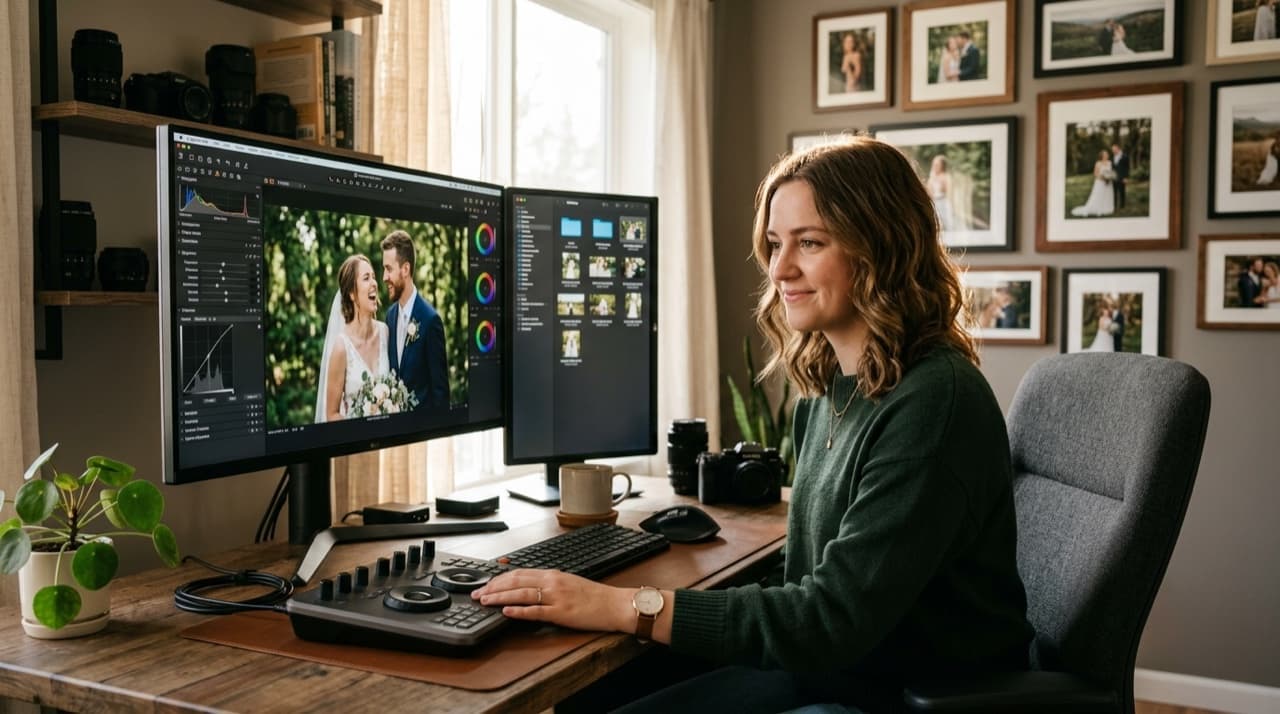
Adobe's Photography plan runs $9.99/month. Over five years of shooting weddings, that's $600 on the Photography plan alone. Add Photoshop or the full Creative Cloud suite and you're closer to $3,300. All for software you don't own.
There are real alternatives. Some require a learning curve. Some won't fit your workflow. A few will surprise you.
Capture One ($299 one-time or $24/month)
If you do any tethered shooting or commercial work alongside weddings, Capture One is the industry standard. The color grading tools are more precise than Lightroom's. The learning curve is steep, so give it a few weeks before you judge it. The catalog system works differently, but once you're comfortable, culling gets faster.
For pure wedding work, it's powerful and possibly more than you need. The perpetual license is $299. Worth it if color accuracy is your priority.
ON1 Photo RAW ($99 one-time)
The closest thing to a Lightroom clone you'll find. Same panel layout, similar catalog system, layers and masking built in. If you want to switch without relearning everything, start here.
The AI masking is solid. Batch processing handles 500+ images without choking. The main complaint from wedding photographers: it crashes more than it should on older hardware. Run it on 16GB RAM minimum.
Luminar Neo ($149 one-time)
Designed for photographers who want AI to handle more of the heavy lifting. Sky replacement, portrait retouching, mood presets, all AI-assisted. If you're turning around 800-image galleries in tight windows, Luminar's AI tools save real time.
The catalog and organization features are weaker than Lightroom's. Pair it with Photo Mechanic for culling, then bring your selects into Luminar for editing. That combo works well for high-volume shooters.
DxO PhotoLab ($219 one-time)
Built around noise reduction. If you shoot dark reception halls at ISO 6400 and above, DxO's DeepPRIME AI is the best noise reduction available right now. It outperforms Lightroom's AI Denoise at high ISOs by a visible margin.
DxO uses folders instead of a catalog. That's either freeing or frustrating depending on how you work. No subscription. If you don't want to switch your full editing system, DxO PureRAW ($129 standalone) plugs into Lightroom or Capture One and handles only the denoise step.
Darktable (Free)
Open source, full RAW editor, non-destructive workflow. The interface looks nothing like Lightroom and takes weeks to get comfortable with. But it's free and capable.
Not ideal for high-volume wedding work until you've built a solid preset system inside it. Good option if you're early in your career and not ready to commit to monthly fees before you're booking regularly.
The real question before you switch
Lightroom wins on ecosystem. Mobile sync, cloud backup, years of presets you've already built. Switching costs time you might not have during busy season.
If you're already frustrated or just starting out, ON1 Photo RAW at $99 is the lowest-risk move. Capture One if color is your biggest priority. DxO if you're losing sleep over noisy reception shots.
The subscription isn't the problem if the tool fits your workflow. Switch only if you've identified a specific thing Lightroom is failing you on.
Browse by topic
The new photo gallery for pro event photographers.
Expand your reach: 10× more guests open your galleries.
Why the whole room opens it
One link per event. No signup, no login, no app for your guests. Designed for mobile and access on the go.

Their face is their password. A selfie finds their photos in under 2 seconds. Selfie Search comes in every plan, including Free+.
They share it, or buy from your store. Your prices, your brand, your customers. Set up your store for digital and/or print copies connected to your Stripe.
Open your Free+ account today — every Growth feature free for 30 days — and onboard the fastest, coolest way to share your galleries.