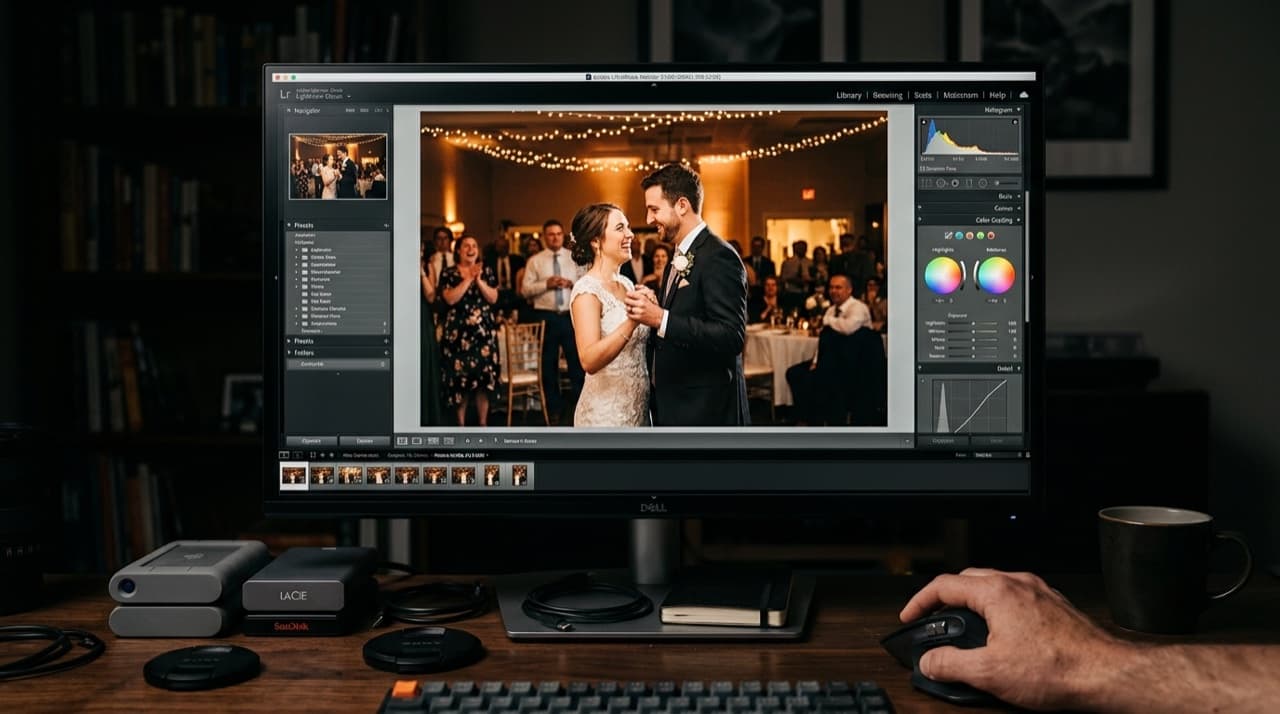
Most Lightroom alternatives ask you to learn a new interface. ON1 Photo RAW does not. The panels are in the same place. The sliders work the same way. If you have used Lightroom for five years, you can be productive in ON1 within an afternoon.
That familiarity is the product's biggest selling point — and also the reason some photographers dismiss it as derivative. But if you are trying to escape Adobe's subscription and keep your muscle memory, it is worth a hard look.
Pricing
ON1 Photo RAW is a one-time purchase at around $100. That gets you the full application including the built-in DAM, RAW processor, non-destructive editor, portrait retouching, masking tools, and some AI features. Annual upgrades are optional at about $80 if you want the latest version. You can stay on your current version indefinitely.
Over three years at the Lightroom/Photoshop Creative Cloud price, you save roughly $300. Over five years, more than $600. For solo photographers running tight margins, that math is relevant.
What It Does Well
The RAW processing engine is solid. ON1 renders noise, detail, and dynamic range at a level that competes with Lightroom for most shooting situations. Skin tones are handled well. The highlight and shadow recovery tools behave predictably.
Masking is a genuine strength. Subject, sky, and background masks generate accurately and fast. Luminosity masking is built in rather than requiring a plugin. For complex outdoor portraits with tricky backgrounds, the masking tools often beat what Lightroom offers natively.
The DAM is functional. You can browse, cull, keyword, and organize large libraries without needing a separate asset management tool. It handles synced folders and smart albums adequately for most photographers.
It also runs locally with no cloud dependency. If Adobe's licensing servers have ever interrupted your deadline-day workflow, that alone is worth something.
Where It Falls Short
Speed. ON1 is slower than Lightroom on large catalogs. Loading full-resolution previews, applying batch edits, and navigating between folders all take longer on equivalent hardware. On older machines the lag is pronounced.
Plugin support. The Lightroom ecosystem has thousands of third-party plugins. ON1's is limited. If you depend on Mastin Labs presets, exported editing plug-ins, or client delivery integrations, check compatibility before committing.
AI denoise. Lightroom's AI denoise is genuinely excellent. ON1's noise reduction is good but not at the same level for high-ISO images from recent wedding work in dark venues.
The Transition
Migrating from Lightroom is straightforward in theory and moderately painful in practice. You can import your catalog via XMP sidecar files, and most metadata transfers correctly. Presets do not translate directly and need to be rebuilt or replaced with ON1 equivalents.
Most photographers find the first two weeks rough and the next two months comfortable. By 60 days, the workflow feels natural.
The Bottom Line
If you want the closest thing to Lightroom Classic without the monthly payment, ON1 Photo RAW is the most direct path. It is not a perfect replacement — the speed gap and limited ecosystem are real trade-offs. But for photographers who shoot a moderate volume, do not depend on niche plugins, and want to stop funding Adobe indefinitely, it is the most practical option on the market.
Download the 30-day trial. Run your actual workflow. Edit 200 RAW files from a recent wedding. You will know within a week whether the trade-offs work for you.
Browse by topic
The new photo gallery for pro event photographers.
Expand your reach: 10× more guests open your galleries.
Why the whole room opens it
One link per event. No signup, no login, no app for your guests. Designed for mobile and access on the go.

Their face is their password. A selfie finds their photos in under 2 seconds. Selfie Search comes in every plan, including Free+.
They share it, or buy from your store. Your prices, your brand, your customers. Set up your store for digital and/or print copies connected to your Stripe.
Open your Free+ account today — every Growth feature free for 30 days — and onboard the fastest, coolest way to share your galleries.