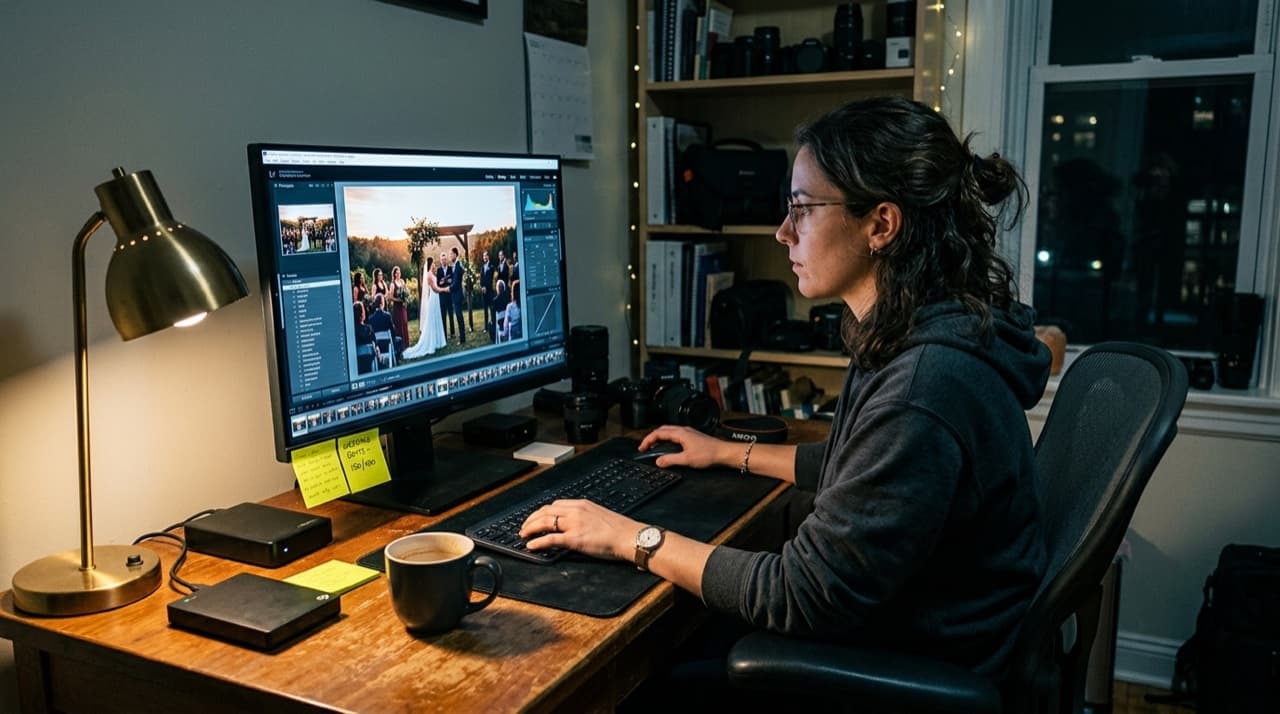
Darktable is free. Completely free. No subscription, no trial period, no feature gates. For a wedding photographer paying $120 a year for Lightroom, that sounds appealing. But free only matters if the tool can actually do the job.
I spent two weeks editing a full wedding — 450 delivered images — in Darktable to find out.
What Darktable Does Well
RAW processing is genuinely excellent. Darktable supports over 600 camera models and handles RAW files from Canon, Sony, Nikon, and Fuji without issue. The demosaicing algorithms are on par with Lightroom, and in some cases better — especially with the newer RCD algorithm.
The masking system is more powerful than Lightroom. Parametric masks let you target adjustments by luminosity, hue, and saturation ranges with a precision that Lightroom's masking tools still cannot match. If you shoot venues with complex mixed lighting, this matters.
Color science is solid. The filmic module handles highlight recovery and tone mapping better than most commercial tools. It takes time to learn, but once you understand it, the results are excellent.
Where It Struggles for Wedding Work
Speed. Darktable processes edits on the CPU by default, and the interface can lag when you are working through 2,000 to 3,000 images from a wedding day. GPU acceleration helps, but it is not as smooth as Lightroom's performance after Adobe optimized their processing pipeline.
Batch editing is clunky. Lightroom's "sync settings" and "paste from previous" workflow is fast and intuitive. Darktable's history stack copy-and-paste works, but it is slower to apply across large sets. When you are editing 30 weddings a year, those extra seconds per image compound into hours.
No native tethering. If you shoot tethered for detail shots or formals, you need a separate tool. Lightroom handles tethering out of the box.
Presets and ecosystem. Lightroom has thousands of presets from VSCO, Mastin Labs, Tribe, and others. Darktable's style system works, but the selection is tiny. You will be building your own looks from scratch.
The Learning Curve
This is the real barrier. Darktable does not try to look or feel like Lightroom. The module system, the processing pipeline, the terminology — everything is different. Expect two to four weeks of frustration before you feel comfortable, and two to three months before you are as fast as you were in Lightroom.
The documentation is technical and assumes familiarity with image processing concepts. YouTube tutorials help, but they are sparse compared to the thousands of Lightroom tutorials available.
The Honest Verdict
Darktable can produce results equal to Lightroom. The RAW processing, color science, and masking tools are genuinely competitive. If image quality is your only metric, it passes the test.
But wedding photography is a volume business. You need speed, batch processing, and a streamlined workflow more than you need advanced masking tools. Lightroom wins on efficiency for high-volume work.
My recommendation: Darktable works for photographers shooting 10 or fewer weddings a year who have time to learn the system. For full-time wedding photographers doing 25 or more, the time cost of switching outweighs the subscription savings.
If your goal is cutting Adobe costs, look at Capture One (one-time purchase option), ON1 Photo RAW, or other Lightroom alternatives that match Lightroom's workflow speed.
Browse by topic
The new photo gallery for pro event photographers.
Expand your reach: 10× more guests open your galleries.
Why the whole room opens it
One link per event. No signup, no login, no app for your guests. Designed for mobile and access on the go.

Their face is their password. A selfie finds their photos in under 2 seconds. Selfie Search comes in every plan, including Free+.
They share it, or buy from your store. Your prices, your brand, your customers. Set up your store for digital and/or print copies connected to your Stripe.
Open your Free+ account today — every Growth feature free for 30 days — and onboard the fastest, coolest way to share your galleries.