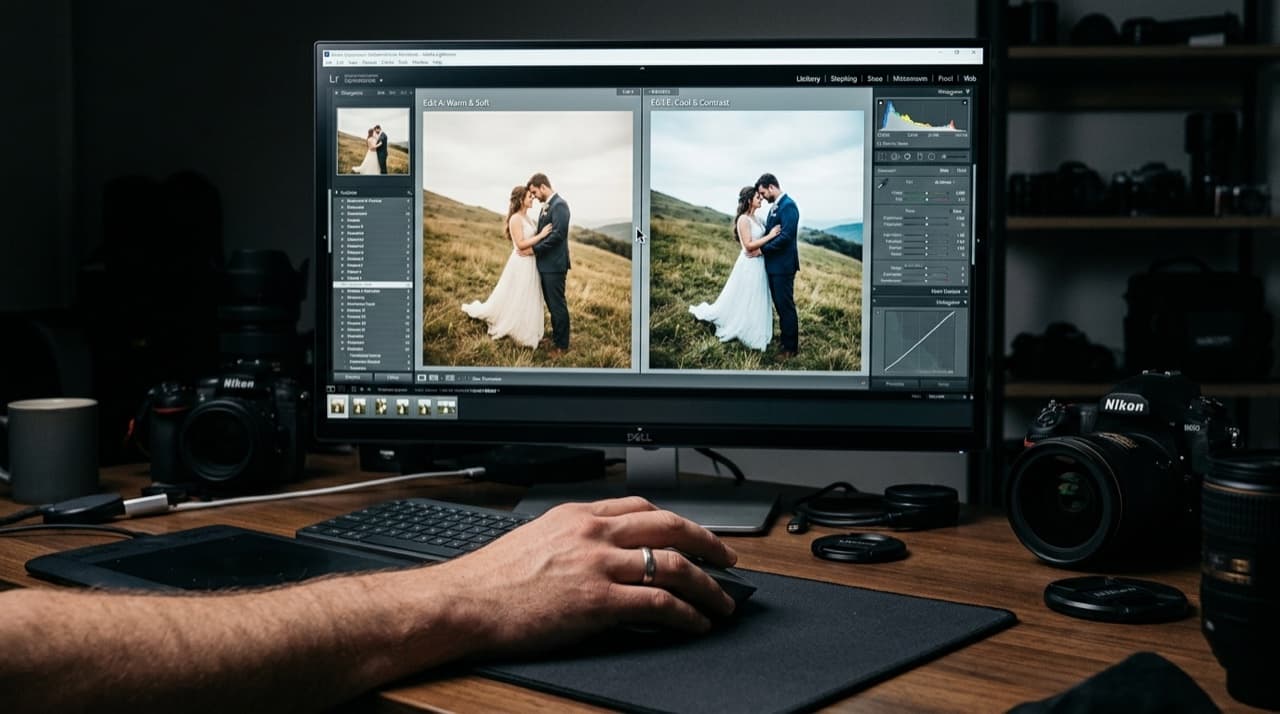
Wedding photographers have been arguing about this for years. Capture One shooters swear the color is in a different league. Lightroom shooters point out they've never lost a client over it. Both are right. The question is which trade-offs you can live with.
This isn't a feature checklist. It's the stuff that matters when you're editing 800 frames at midnight before a Monday morning delivery.
Color Science: Capture One Wins, But the Gap Is Narrower Than It Used to Be
Capture One's color profiles are better. Skin tones, specifically. Where Lightroom can push yellows and reds into territory that needs correcting, Capture One tends to land closer on the first pass. For weddings where you're batch-editing golden-hour portraits, that starting point matters.
The Color Editor in Capture One also gives you more surgical control than Lightroom's HSL panel. You can select a specific range, mask it to a subject, and adjust without affecting anything else in the frame.
Lightroom has closed the gap since ACR updates in 2024. It's not bad. But side-by-side on the same RAW file, Capture One still looks better out of the gate on skin.
Speed and Performance
On modern hardware, both are fast. On older MacBooks or Windows machines with less than 16GB RAM, Capture One can feel heavier. It loads previews slower and the interface is more resource-intensive.
Culling speed depends on your workflow. If you rate in Lightroom and edit in Capture One, you're adding steps. Capture One's Smart Albums work well once configured, but the setup takes time the first time you do it.
For culling specifically, most serious shooters use a dedicated tool anyway. Photo Mechanic is faster than both for ingesting and flagging selects.
Ecosystem and Portability
This is where Lightroom wins without a fight. Mobile sync, cloud backup, 20 years of presets on the market, YouTube tutorials for every problem you'll hit, and seamless hand-off if you ever work with a second shooter who edits their own cards.
Capture One doesn't have a mobile app worth using for editing. The catalog is local by default. You can set up cloud sync, but it's not native or seamless. If your second shooter delivers Lightroom catalog files, you're already in a workflow conversation.
Every preset you've built in Lightroom stays in Lightroom. Moving to Capture One means rebuilding your look from scratch. That's not insurmountable, but factor it in. It's 10 to 20 hours of work for most shooters who have refined their presets over seasons.
Tethering
Capture One is better here. Faster live view, more stable connection, better tools for overlay and focus checking. If you shoot tethered at bridal portraits or detail setups, this matters.
Most wedding photographers don't tether on the day. If you're a studio photographer who does engagement sessions with tethering, Capture One is a legitimate reason to switch.
Pricing in 2026
Lightroom: $9.99/month as part of the Photography Plan, which includes Photoshop and 20GB cloud storage. Most wedding photographers already have this.
Capture One Pro: $24/month or $299/year. A perpetual license is $399 one-time. There are also camera-specific versions at a lower price if you only shoot Sony or Fujifilm and want to save money.
The cost difference over three years is around $360 if you go perpetual with Capture One. That's real money, but it's not the deciding factor for most working photographers.
Learning Curve
Capture One has a steeper learning curve. The interface is not intuitive coming from Lightroom. The layers system is powerful but unfamiliar. Expect two to four weeks of slower editing before you're back to your normal speed.
That said, the tools reward the investment. Once you understand the color tools and layers, work that used to require a Photoshop round-trip stays inside Capture One.
Who Should Switch
Switch if color is a bottleneck in your current workflow. If you're spending 10 minutes per image correcting skin before you can even start creative work, Capture One's starting point will save you time across a full season.
Stay if your workflow is built around Lightroom's ecosystem. Mobile sync, client proofing through Lightroom web, presets you've spent years refining. These are real switching costs, not imagined ones.
A practical approach: download the 30-day Capture One trial, edit a full wedding in it, and compare the time against your Lightroom workflow. The answer usually becomes clear by day three.
Browse by topic
The new photo gallery for pro event photographers.
Expand your reach: 10× more guests open your galleries.
Why the whole room opens it
One link per event. No signup, no login, no app for your guests. Designed for mobile and access on the go.

Their face is their password. A selfie finds their photos in under 2 seconds. Selfie Search comes in every plan, including Free+.
They share it, or buy from your store. Your prices, your brand, your customers. Set up your store for digital and/or print copies connected to your Stripe.
Open your Free+ account today — every Growth feature free for 30 days — and onboard the fastest, coolest way to share your galleries.