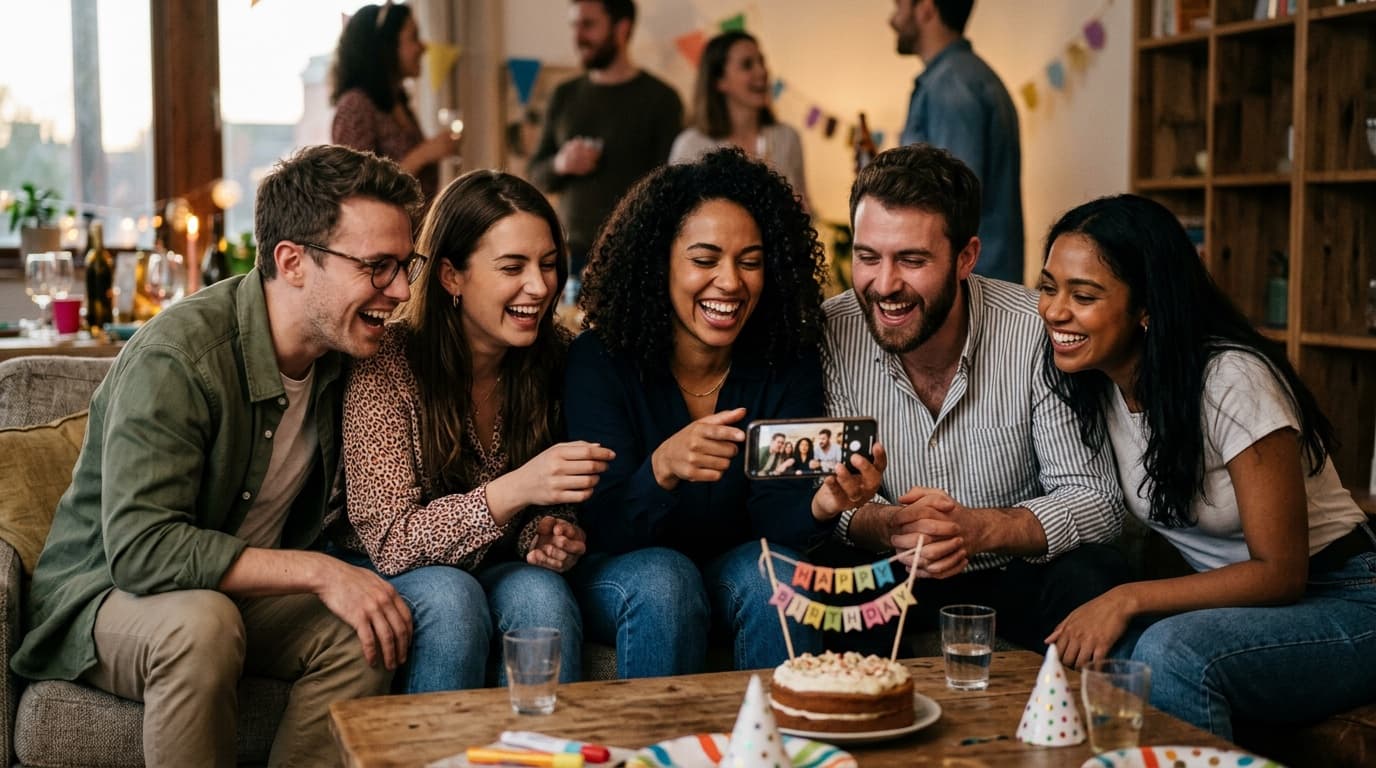
The best way to share party photos with every guest is to upload your edited gallery once and let AI face search do the rest — each attendee submits a selfie and instantly sees only the photos they appear in, without scrolling through hundreds of images or waiting on a group chat. This approach works for birthday parties, family reunions, milestone celebrations, and any event where you need fast, frictionless delivery to a diverse crowd.
TL;DR
- Upload once to a face-search gallery; guests self-serve their own photos via selfie in seconds — no app download required.
- The biggest delivery failures at parties come from friction: group texts, shared albums, and hashtag hunts all break down past 20–30 guests.
- A fast, shareable delivery experience turns every guest into a word-of-mouth referral source for your next booking.
How to Share Party Photos With Every Guest Without the Chaos
Sharing party photos sounds simple until you're dealing with 80 family reunion attendees, three different age groups, and a group text thread that's already buried under memes. The core problem isn't the photos — it's the delivery friction. Every extra step between your gallery and a guest's camera roll is a step where someone gives up.
The photographers who get this right follow a single principle: upload once, let every guest find themselves. Instead of pushing photos out to individuals, you give guests a way to pull their own images. That's the shift that makes large-event delivery actually work.
Why the Usual Methods Break Down at Parties and Reunions
Most photo-sharing headaches at parties trace back to tools designed for small friend groups, not 50-person birthday dinners or 200-person family reunions. Here's where the common approaches fall apart at scale.
Group texts and “just email me later”
Asking guests to text you photos afterward works for a dinner party of six. At a birthday with 40 attendees, you'll get a trickle of compressed JPEGs over three weeks, and half the people you actually want photos from never follow through. Good intentions don't survive the gap between the event and the next Monday morning.
Social media hashtags
A custom hashtag gets guests posting publicly, which is great for social buzz — but it's a terrible delivery mechanism. Photos are compressed, private moments stay off Instagram by design, and guests who don't use social media (often the ones with the best candid shots) are excluded entirely. Use hashtags to amplify, not to replace delivery.
Google Photos or iCloud shared albums
These work beautifully when everyone lives in the same ecosystem. At a family reunion spanning three generations and two continents, you'll immediately hit the wall: Android users can't join an iCloud album, Google account requirements trip up older relatives, and the link sent in the invitation email is long forgotten by event day. Platform lock-in is a real barrier at mixed-device events.
A single download link with all 600 photos
Dumping every image into one ZIP file or gallery page puts the work on the guest. They have to scroll through 600 photos to find the 30 where they actually appear. Most won't bother. The ones who do will spend 20 minutes doing it and feel mildly annoyed, which is not the impression you want to leave as the photographer.
The Delivery Method That Actually Works: AI Face Search
AI-powered face search is now the most effective way to deliver photos from large parties and reunions because it eliminates the browsing problem entirely. Each guest submits a selfie — no account needed, just a browser — and the system matches their face across your entire gallery, surfacing only the photos they appear in. What used to take 20 minutes of scrolling takes about 10 seconds.
This matters especially at parties and reunions for three reasons. First, guests of every age can use it — the selfie step is intuitive even for attendees who aren't tech-savvy. Second, it makes sharing effortless: once a guest finds their photos, they're far more likely to download and post them, which means organic reach for you. Third, it scales without extra work on your end — 50 guests or 300, your workflow is identical.
If you want to understand how the underlying technology works before recommending it to clients, this breakdown of AI selfie photo search covers the face-matching process in plain language.
How to Set Up Your Party Photo Gallery for Maximum Guest Participation
A great gallery only works if guests actually use it. Here's how to build the delivery experience so participation is as high as possible.
Send the link before the event ends
Don't wait until your full edit is done to give guests access. If you're shooting a birthday party, send a preview gallery or a “coming soon” link before you leave the venue. Guests are still in a celebratory mood and will engage immediately. A follow-up message 24 hours later — when most people go through their phones — drives a second wave of downloads and shares.
Keep the access step to one tap
Your delivery link should open directly to the selfie-search prompt or gallery, not to a login screen or a “create your account” page. Every additional click reduces the percentage of guests who complete the process. Browser-based tools outperform app-based ones at parties precisely because there's no install barrier — especially relevant when a third of your guests are on a phone with almost no storage left.
Communicate what guests will find
Your delivery message should set expectations clearly: “Take a quick selfie and find every photo you're in — takes about 10 seconds.” When guests know exactly what to do and what they'll get, they follow through. Vague links get ignored. Specific instructions get clicked.
Give them a deadline that creates urgency without anxiety
Let guests know the gallery is available for 30 days (or whatever your platform supports). A clear window motivates action without the pressure of “download now or lose everything.” For family reunions in particular, relatives who weren't at the event often want access too — a longer window accommodates them gracefully.
Turning Party Photo Delivery Into Referrals
Every guest who finds their photos easily and shares them on Instagram or in the family group chat is doing your marketing for you. A birthday party with 60 guests means 60 potential people who experienced your delivery firsthand — and who will be asked “who's your photographer?” when they post those photos.
This is the mechanic behind what some photographers call the mid-event referral loop. If you're not actively building it into your party and reunion workflow, you're leaving a significant acquisition channel untapped. For a deeper look at how to work this at private events, this referral strategy guide adapts well beyond weddings to any private celebration.
The other lever is the host themselves. When you deliver photos fast and make sharing effortless, hosts become enthusiastic advocates. They're already planning the next birthday, anniversary, or reunion — and they'll recommend you to whoever asks. Slow delivery and clunky galleries quietly kill repeat business even when the photography itself was excellent.
Choosing the Right Platform for Party and Reunion Photo Delivery
Not all gallery platforms are built for the logistics of party photography. Here's what to look for when evaluating tools for this event type.
Face search or selfie search capability
This is the single most important feature for large-group events. Without it, guests are on their own to find themselves in a sea of photos. With it, the delivery experience feels almost magical — and that impression sticks. If you want to compare the leading tools head-to-head, this comparison of AI selfie search platforms covers the major options in detail.
No app download for guests
App-based delivery is a dealbreaker at parties. You cannot control whether guests have storage space, whether they're willing to install something, or whether their phone's OS version is compatible. Browser-based tools remove all of that uncertainty.
Fast gallery delivery, not just fast culling
Culling and editing speed matters, but so does how quickly the delivered gallery loads for guests on a mobile connection. A gallery that takes 8 seconds per page to load on cellular will lose a huge percentage of guests before they even reach the selfie step. Test your platform on a phone, not just a desktop.
Shareable individual photo links
When a guest finds their photos, they should be able to share a single image directly to Instagram Stories, WhatsApp, or a family group chat with one tap. Platforms that require a full download before sharing create unnecessary friction and reduce the organic distribution that benefits you as the photographer.
For a fuller breakdown of how leading gallery platforms stack up on these criteria, this 2026 platform comparison is a solid reference point.
A Practical Delivery Workflow for Birthday and Reunion Photographers
Here's a repeatable process you can apply to every party or reunion you shoot, regardless of the platform you choose.
Day of the event: Finish a light same-day cull and send the host a 10–20 image preview gallery within a few hours of the event ending. This confirms delivery has started and keeps excitement high while you finish the full edit.
Within 48 hours: Deliver the full edited gallery with face-search enabled. Send a direct link to the host with a suggested message they can forward to all guests — make it easy for them to do the distribution work on your behalf.
Day two or three: Send a reminder to the host. Data from guest photo platforms consistently shows that the largest wave of downloads and uploads happens the day after an event, when people are going through their phones. A gentle nudge at this moment captures the people who meant to look but forgot.
One week post-event: Follow up with the host to confirm everyone got access and ask for a testimonial or review while the experience is still fresh. This is also the right moment to mention your availability for their next event — a future birthday, a graduation, or the next family reunion.
What Guests Actually Want From Party Photo Delivery
Guests at birthday parties and family reunions aren't thinking about your workflow — they just want to find themselves in the photos and share the best ones. That simple goal should drive every delivery decision you make.
They want speed: nobody wants to wait three weeks to relive a 50th birthday party. They want relevance: nobody wants to scroll through 400 photos of people they don't know. And they want ease: nobody wants to create an account or download software to see pictures of themselves having fun. When you deliver on all three, guests don't just appreciate it — they tell people about it, and those people become your next clients.
FindMe Photo was built specifically around this guest experience: photographers upload once, guests take a selfie, and everyone finds their own photos in seconds — no app, no friction, and built to work whether you're delivering from a birthday shoot or a 300-person reunion. If fast, self-serve party photo delivery sounds like the upgrade your workflow needs, explore it at findme.photo.
Frequently asked questions
What is the easiest way to share party photos with guests?
The easiest method is an AI face-search gallery where each guest takes a quick selfie and instantly sees only their own photos. It requires no app download, no group chat coordination, and works for guests of any age or tech comfort level. Photographers upload once and every attendee self-serves their images in seconds.
How do I share birthday party photos with a large group?
For large groups — 30 people or more — avoid texting or shared albums, which create chaos fast. Instead, upload all photos to a single hosted gallery that supports face search or selfie search. Guests get a link, take a selfie, and pull out their own photos without scrolling through hundreds of images that aren't of them.
Do guests need to download an app to receive their party photos?
No. The best modern photo delivery tools are entirely browser-based. Guests open a link on any smartphone, submit a selfie, and their photos appear immediately — no account creation, no app install, no friction. This matters most at parties and reunions where guests range from teenagers to grandparents.
How long after a party can guests still access their photos?
This depends on the platform, but most professional gallery tools keep photos accessible for at least 30 days after delivery. Some platforms extend access for 12 months or more. Photographers should communicate the access window clearly in their delivery email so guests know when to download.
Can I share both professional and guest-uploaded photos in the same gallery?
Yes. Several modern platforms let photographers host their edited images alongside guest-submitted candids in a single gallery, with sub-albums to separate the two. This gives attendees a complete picture of the event — professional shots plus raw, candid moments — all in one place.
Browse by topic
The new photo gallery for pro event photographers.
Expand your reach: 10× more guests open your galleries.
Why the whole room opens it
One link per event. No signup, no login, no app for your guests. Designed for mobile and access on the go.

Their face is their password. A selfie finds their photos in under 2 seconds. Selfie Search comes in every plan, including Free+.
They share it, or buy from your store. Your prices, your brand, your customers. Set up your store for digital and/or print copies connected to your Stripe.
Open your Free+ account today, with the top premium features included, and onboard the fastest, coolest way to share your galleries.